Improvement in MultiHub: Reporting Now Built Into MultiHub
Your website, SEO, and lead performance data has just moved into your main workspace.
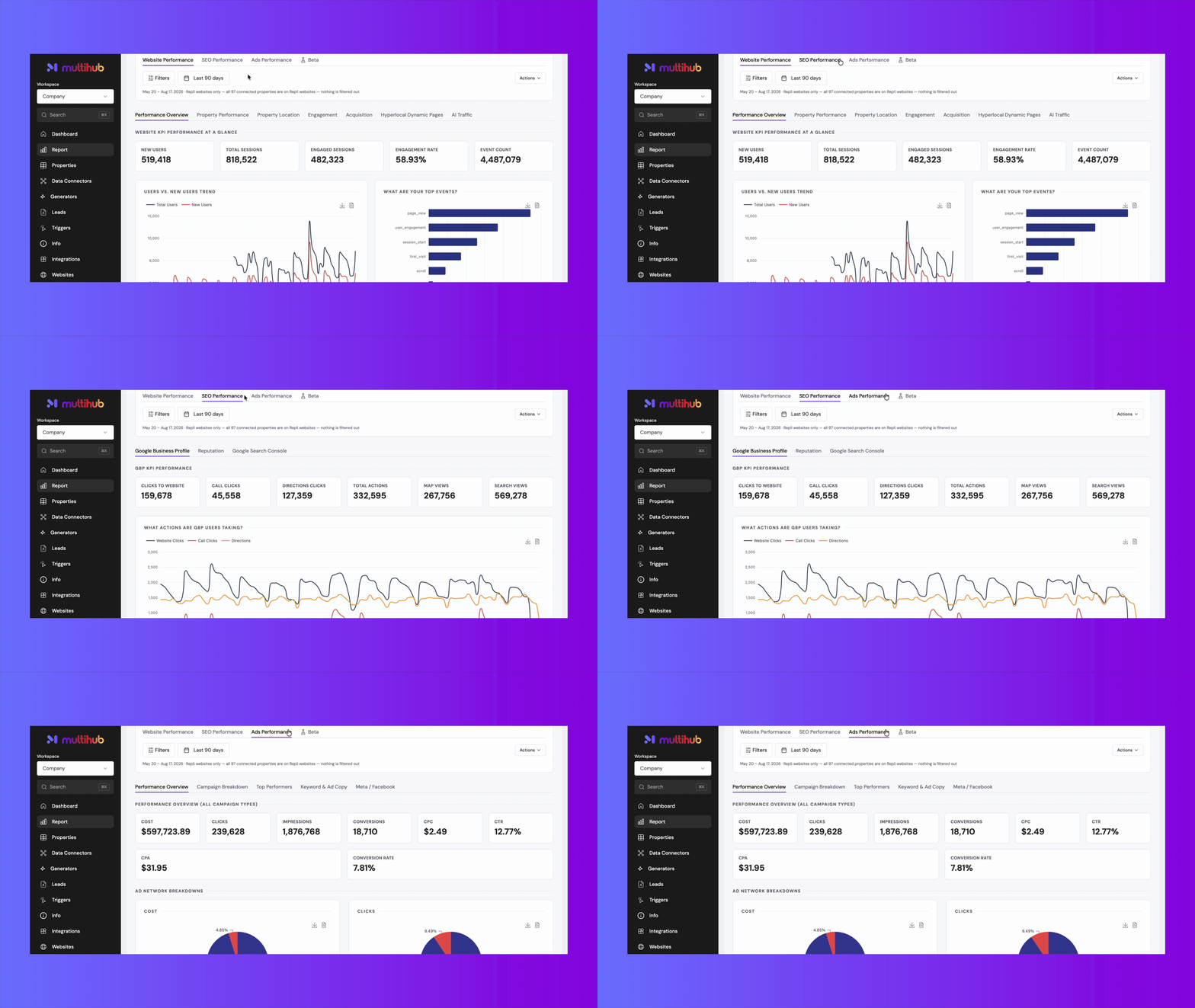
Starting today, reporting lives directly inside MultiHub — as native pages within your property and company workspaces. No more separate dashboard link, no more jumping between tools to check performance. If you're working in a property or a company, your reports are right there with everything else.
What's changing?
Previously, performance data lived in its own dedicated workspace, separate from the rest of your MultiHub tools. Now it's folded into the Reports tab within each property and company workspace — the same place you're already working.
The standalone Performance workspace is going away as part of this transition.
What you can do today.
Company-level rollups, with flexibility. From the Companies tab, you can view performance across your entire portfolio — or drill into a single property. It's not just all-or-nothing.
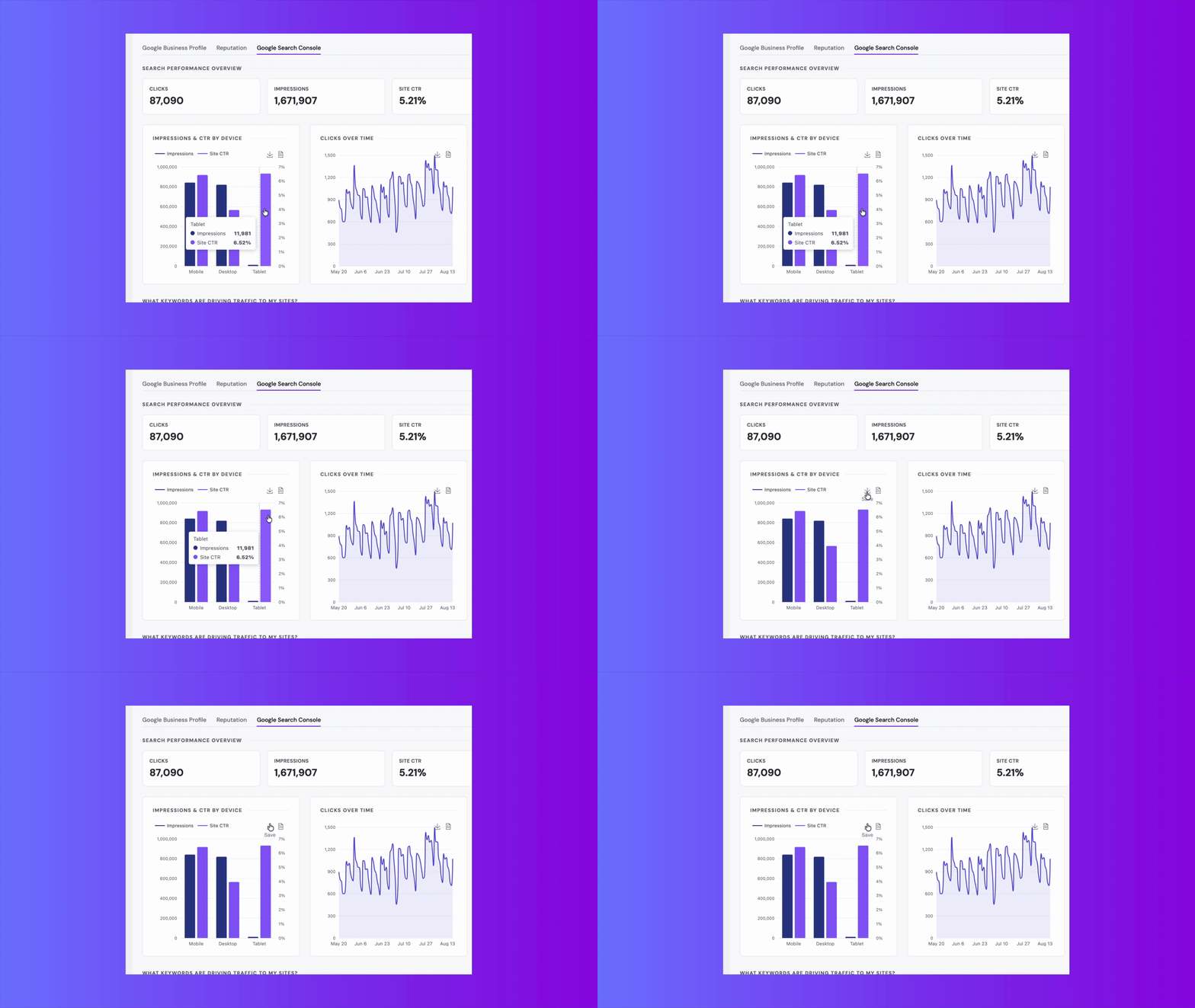
Download your data. Charts, graphs, and tables can all be downloaded directly from the new reporting pages.
Beta section. Our engineering team is still working on a few things, including scheduled/email reports, the custom report builder, and a handful of filters from the old experience (being actively added back).
What's still in progress.
We'd rather be upfront about where V1 stands than pretend it's the finished picture:
- Scheduled and emailed reports aren't part of this release yet. If that's part of your regular routine, we know it's a gap — it's on the roadmap.
- The custom report builder isn't available in V1. Same story — coming, not here yet.
- Some filters from the old reporting experience are still being added back. We're actively working through these.
- Looker Studio reports aren't going away immediately. We want a clean, well-timed transition rather than pulling the rug out — and we're gathering feedback on the right pace for retiring the legacy reports before we set a hard date.
Why we're doing it this way.
Reporting shouldn't feel like a separate app bolted onto your workflow. Bringing it natively into the property and company workspaces means one place to check performance, one mental model, no separate login or link to remember.
Knowledge Base Articles
Want more detail on a specific report type? These Knowledge Base articles walk through everything covered above:
- MultiHub Reporting KB
- Website Performance Reports KB
- SEO Performance Reports KB
- Ads Performance Reports KB
If you have feedback, we'd be more than happy to hear about it!
Repli Apartment Marketing Blog
Subscribe to our Newsletter & Blogs
Blog Post Subscribe Form
Share Our Post!
Apartment Marketing Blog