Google Business Profile and GA4 Are Finally Talking
Google is making it easier to draw some of the lines between your Google Business Profile (GBP) and your Google Analytics (GA4).
For years, businesses have been flipping back and forth between the performance data provided by GBP and the data provided by GA4, just like changing tabs on a group project you didn't want to deal with.
One of the dashboards displayed Search and Maps activity. The other indicated web usage.
Now, Google is enabling users to connect
Google Business Profile to Google Analytics, bringing local performance data directly into GA4 reporting.
What is Google Actually Changing?
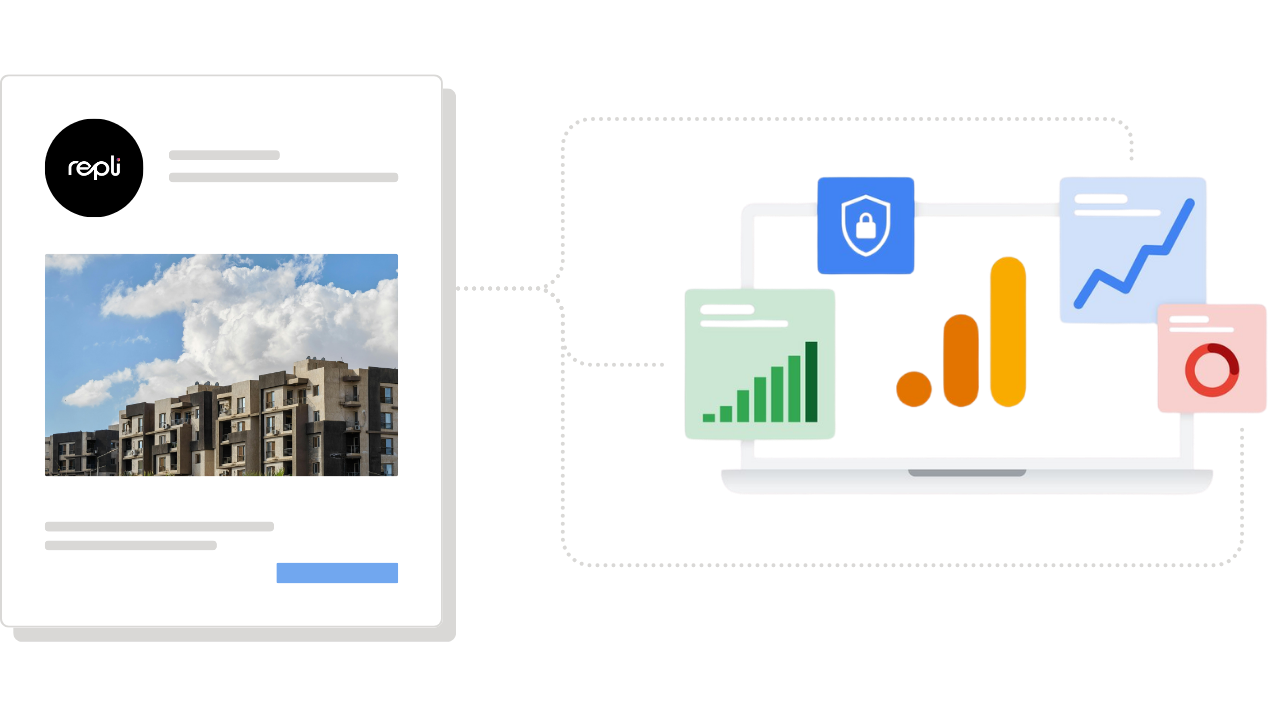
Google’s update allows businesses to link one or more Google Business Profiles to a Google Analytics property.
When linked, a dedicated Google Business Profile collection then shows up in GA4 reports, enabling businesses to see essential metrics about their local store along with website and app data.
Translation?
Your local visibility data and website performance data are finally starting to sit at the same lunch table.
This is a pretty big deal for local businesses, multi-location brands, apartment communities, and any business that wants to get involved with local search.
Why Local Markets Should Care
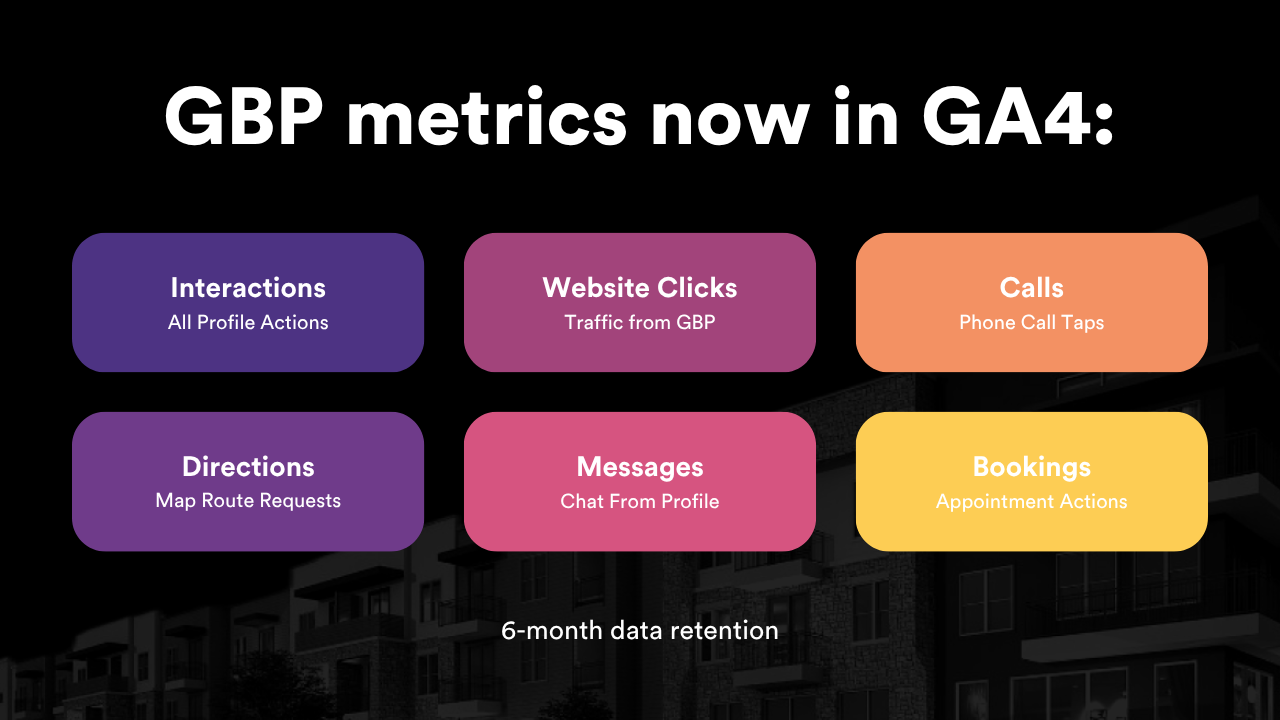
Google says the integration will allow for the introduction of metrics such as interactions, website clicks, calls, directions, messages, bookings, and menus. In essence, the information that local marketers really want.
Did people click to call, ask for directions, visit your website, or move closer to becoming a customer?
The reporting feature lets teams know if their Business Profile is actually inspiring action, and it's an important consideration for apartment marketers.
Everything from searches to directions requests, website clicks, and leasing office calls provides a story. Now, the greater part of that story can be captured within GA4.
How To Set It Up:
1) Make sure the right people have access. Google says users need Editor or Administrator access for the Google Analytics property and Owner or Manager permission for the Business Profile they want to link.
2) Review your current Google Business Profile
data and make sure your information is accurate.
3) Check your business name, address, phone number, website link, hours, services, photos, and anything else users may rely on before contacting you.
Google connecting Business Profile data to GA4 is a sign that local visibility and website performance are finally getting closer.
For marketers, that means fewer disconnected reports and a clearer view of how Search and Maps activity supports the customer journey.
Google Business Profile has always been a local SEO powerhouse. Now, with its data moving closer to GA4, businesses can better understand how local discovery turns into real engagement, and in local marketing, that connection matters.
Repli Apartment Marketing Blog
Subscribe to our Newsletter & Blogs
Blog Post Subscribe Form
Share Our Post!
Apartment Marketing Blog