Why You Can’t See Your Own Google Ads (And Why That’s a Good Thing!)
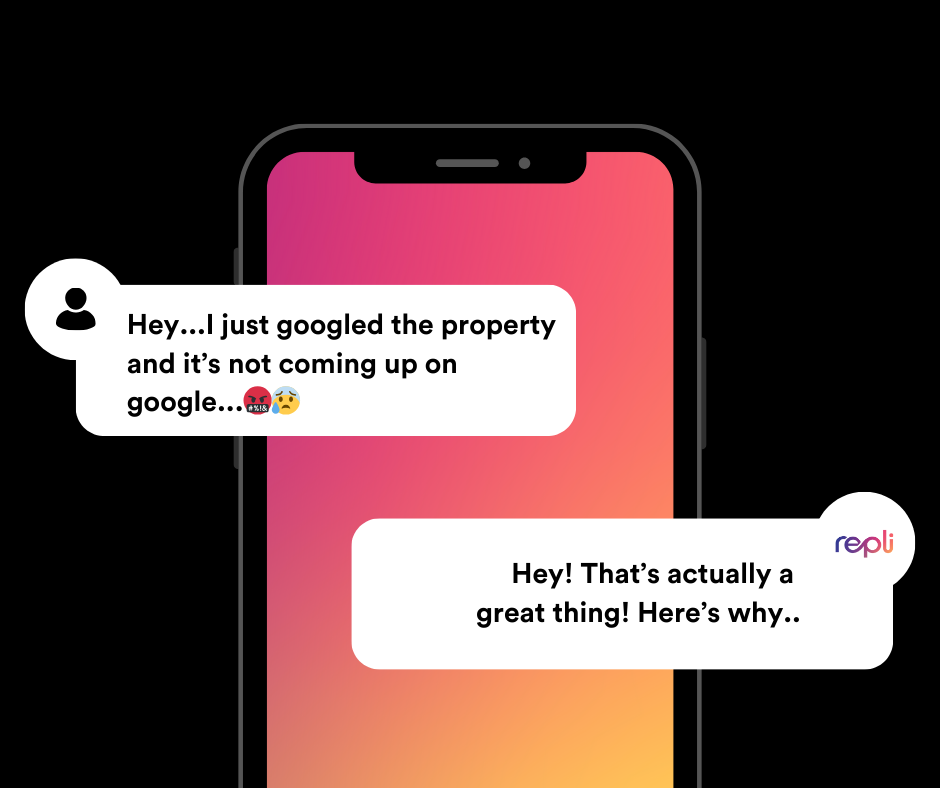
If you’re running Google Ads for your property, it’s natural to want to check in and see how they look in search results. But then—nothing. You search for your own ads, and they don’t show up. You might start wondering: Are my ads even running? Is there something wrong?
Don’t worry—this is actually a good thing! Here’s why you can’t (and shouldn’t) see your own ads on Google, and how to properly check their performance.
1. Google’s Smart Targeting Works Against You
Google Ads operates on a sophisticated algorithm that determines who sees which ads based on a variety of factors, including location, search history, device type, and user behavior. If Google detects that you’ve searched for your ad’s keywords multiple times but never clicked, it assumes you’re not interested and stops showing the ad to you.
This is a feature, not a flaw—it helps Google prioritize showing ads to users who are more likely to engage rather than wasting impressions on someone who isn’t going to convert.
2. Searching for Your Ads Can Hurt Performance
Each time you search for your own ads but don’t click on them, Google records that behavior. Over time, Google might decide that your ad isn’t relevant to your searches and may reduce its visibility overall. Plus, unnecessary searches can impact your Quality Score, which affects ad placement and cost.
Instead of manually searching, use Google’s Ad Preview and Diagnosis Tool to see if your ads are running without hurting performance.
3. Your Ads Are Designed for the Right Audience—Not You
Your Google Ads are targeted toward potential renters based on specific demographics, interests, and search behavior. As a property owner or manager, you likely don’t fit the target audience profile—so it’s a good thing you’re not seeing them! This means Google is correctly filtering your ads to show them to the most qualified prospects.
4. Budget and Competition Play a Role
Google Ads operate within a daily budget. If your campaign has already spent its allocated budget for the day, your ads may pause until the next cycle. Additionally, ad placement is determined by bidding competition. If competitors are bidding higher or if Google determines another ad is more relevant at that moment, your ad may not show every time.
How to Properly Check If Your Ads Are Running
Instead of searching for your ads manually, use these methods to ensure they are active:
- Google Ads Dashboard: Check your impressions, clicks, and performance metrics in your Google Ads account. If impressions are being recorded, your ads are running!
- Google Ad Preview & Diagnosis Tool: This tool allows you to see whether your ad is eligible to show for a given search term without affecting performance.
- Performance Reports: Regular reports from your marketing team will provide a clearer picture of how your ads are performing, who is seeing them, and how many leads they are generating. (Psst...Repli customers can see previews of their ads directly in MultiHub)
Repli Apartment Marketing Blog
Subscribe to our Newsletter & Blogs
Blog Post Subscribe Form
Share Our Post!
Apartment Marketing Blog